A new website is meant to win you more work. So it’s a nasty surprise when, a few weeks after launch, the phone goes quiet and you find you’ve slipped down Google.
It happens more often than it should. It’s almost never because the new site is worse. It’s because of what got lost in the move.
If you’re not sure your current site is pulling its weight in the first place, run through our seven things to check before you decide anything.
Why rankings drop after a new site goes live
Google doesn’t rank your business. It ranks pages. Each page on your old site has its own address, and over the years Google has learned what each one is about and how much to trust it. Other websites have linked to them. People have bookmarked them.
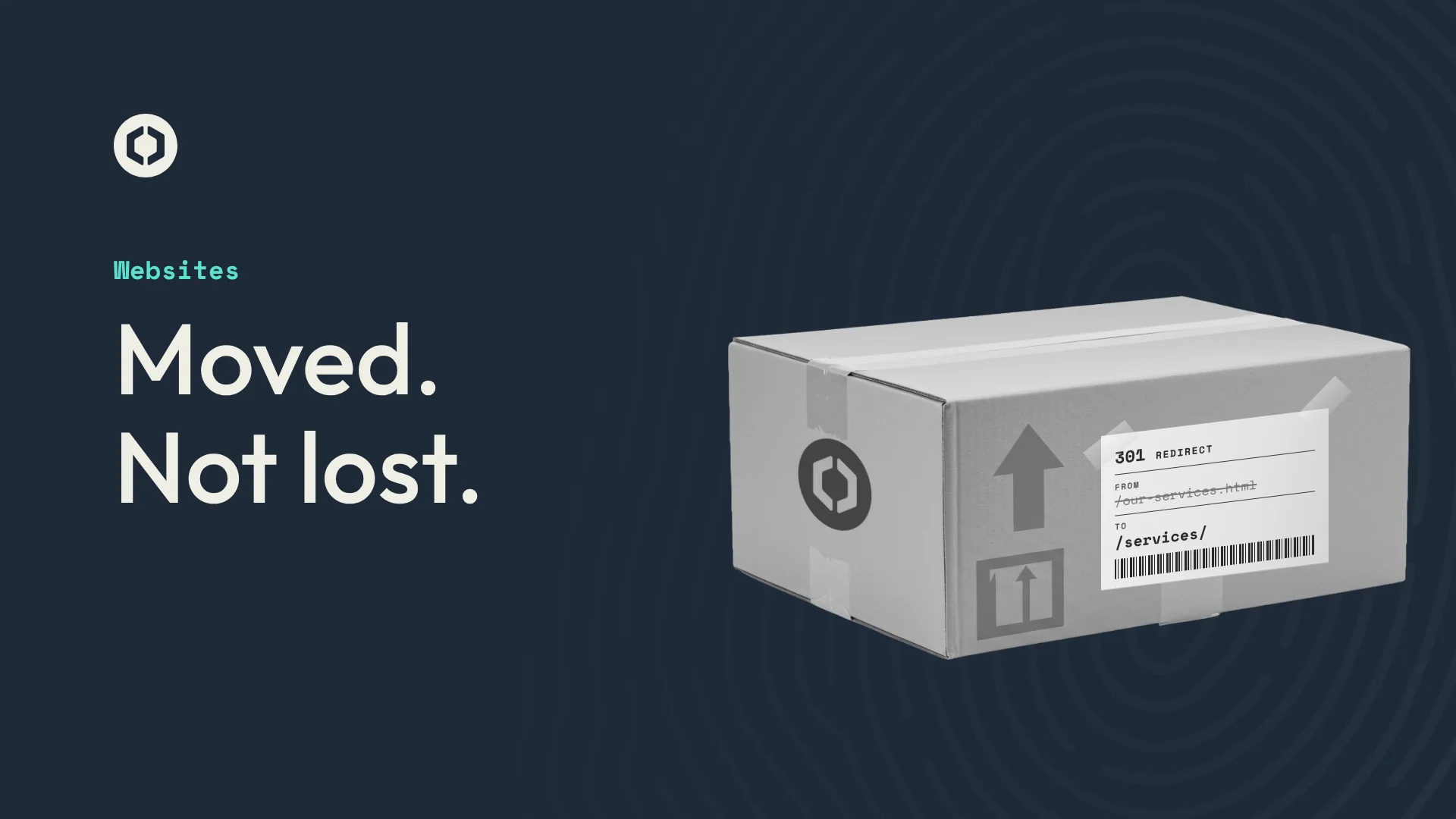
When a new site launches, those addresses often change. /our-services.html becomes /services/, a page gets merged into another, or an old page is simply left out. To Google, the page it trusted has vanished, and the new one has to start from scratch. Anyone clicking an old link lands on an error page.
The other common causes are smaller, but they add up:
- Page titles and descriptions that were doing well get rewritten or left blank.
- Wording that ranked for a search gets cut, because it didn’t fit the new design.
- The site launches still set to “don’t show me on Google” from when it was being built.
- The new site is slower, especially on phones.
How to keep your place
Know what’s earning its keep. Before anything changes, find the pages that bring people in. Google Search Console shows which pages get clicks and for which searches. Those pages need the most care.
Map every old address to a new one. Go through every page on the old site and decide where it now lives. Most will have an obvious new home. A few won’t, and they should point to the closest match, not the home page.
Set up redirects. A redirect (a 301, if your web designer mentions it) tells Google and browsers that a page has moved for good. Google passes most of the old page’s trust to the new one, and old links still work.
Carry over what’s working. If a page title or a paragraph is ranking well, keep it, or improve it carefully. A new design is a chance to make things better, not a reason to start the words again from nothing.
Check it after launch. Submit the new sitemap to Google, then keep an eye on Search Console for a few weeks for pages Google can’t find. A small wobble in the first few weeks is normal while Google catches up. A steady slide isn’t, and is usually a missed redirect.
How we handle it
When we replace a website, we map every page on the old site to its new home before launch and set up the redirects, so links from Google, old emails and other websites still work. We carry over page titles and descriptions where they’re earning their keep. Then we check Search Console after launch for anything that slipped through.
We do it because a website is an investment, and for most businesses one or two new clients could be enough to pay it back. It’s worth protecting what you’ve already built while you build something better.
If you’re thinking about a new site, have a look at our web design in Colchester page, or read what you’re actually paying for in a website.
Free website check
Is your website doing its job?
Send us your web address. We’ll check how fast it loads on a phone, how it works on mobile and where you show up on Google, and send you the results within three working days, including the three changes that would make the biggest difference. If you’d like us to make them, we’ll tell you what it would cost.
Get my free website checkOr run through our seven website checks, see how we approach web design in Colchester, or look through our work.